Contractor and Renovation Access in Condos: How Managing Agents Keep Track
5
October
2026
MERCHANT
Promote your best aircon services on our platform where residents can avail through myCondo.
RESIDENT
Experience better condominium living and facilitate transactions for all your condo-related needs, including buying and selling products and services.
CONDO MANAGEMENT
Condo Managers get intuitive online-based system with exciting new features in administering units.

SHARE
How do you manage contractor and renovation access in a condo without losing track? Tie every contractor to a unit, an approved permit and a fixed date and time window, give them a pass that expires automatically, and log every entry and exit digitally. This guide shows managing agents and MCSTs in Singapore how to set that up, step by step, and where technology removes most of the manual work.
Contractors are a large share of daily visitors in most condominiums. On a typical weekday, the guardhouse may handle renovation crews, aircon servicing teams, plumbers, movers, interior designers, cleaners and pest control. Unlike social visitors, they come back day after day, often with different workers each time. That is exactly where paper logbooks and shared access cards break down.
Most condo security incidents involving contractors are not dramatic. They are small gaps that add up:
Each gap creates work for the managing agent: complaints to answer, deposits to dispute, and investigations with no evidence. The fix is not more guards. It is a clear process with the right tools.
Every renovation or major works in a Singapore condo should start with an application to the managing agent, following the estate’s by-laws. The approved permit should record:
Working hours vary between estates. Many condos allow renovation on weekdays and limited hours on Saturdays, with no noisy works on Sundays and public holidays, but always check your own by-laws and make them part of the permit.
The important change is this: access should come from the permit, not from the guard’s memory. If a worker’s name or company is not on an active permit, they do not get in without a call to the unit.
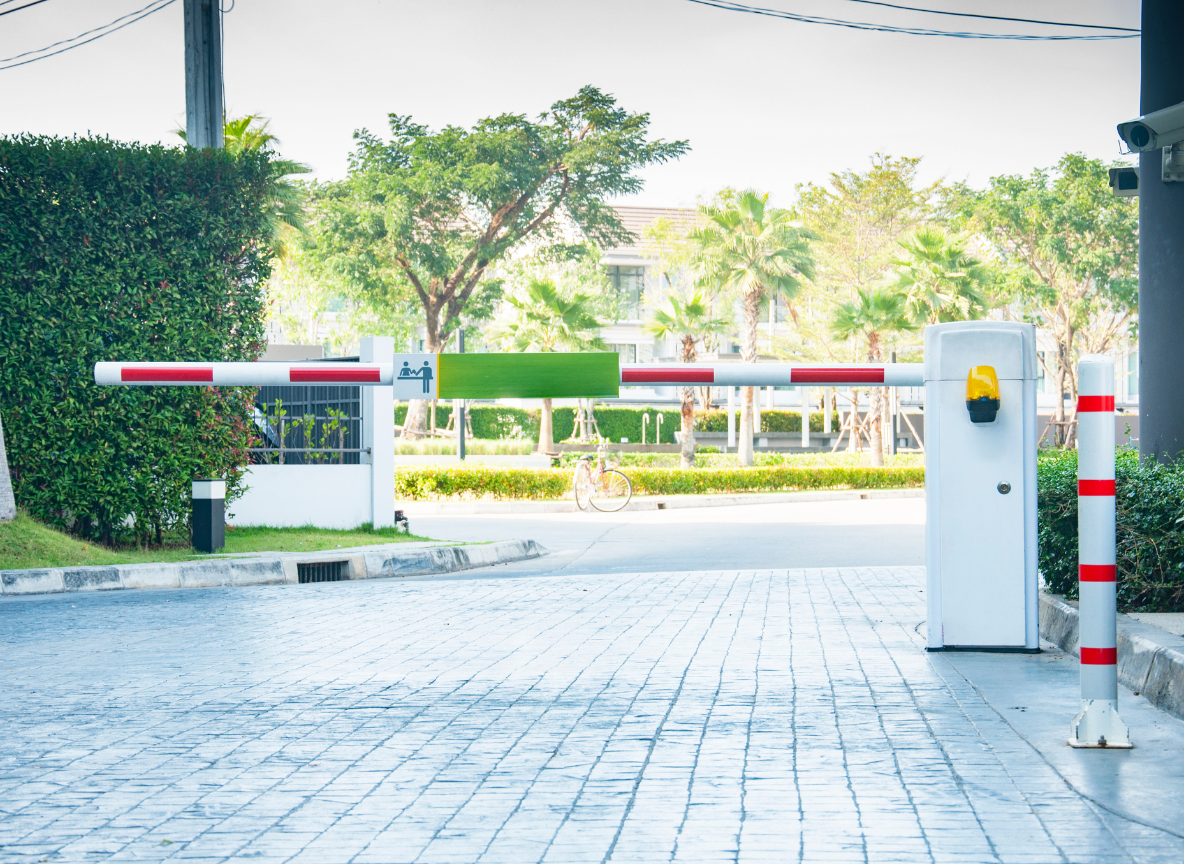
Physical access cards are the biggest source of contractor leaks. They get lost, copied, lent out and forgotten. A better approach is a digital pass that is created from the permit and expires on its own.
Access card vs digital contractor pass
| Issue | Physical access card | Digital time-limited pass |
|---|---|---|
| End of renovation | Works until someone collects or deactivates it | Stops working on the permit end date |
| Outside permitted hours | Usually still works | Only valid during approved hours |
| Sharing within a crew | Easy and hard to detect | Each worker can have their own QR pass or face enrolment |
| Lost card | Replacement fee and security risk | Revoke and reissue in seconds |
| Audit trail | Card number only | Worker, company, unit and time |
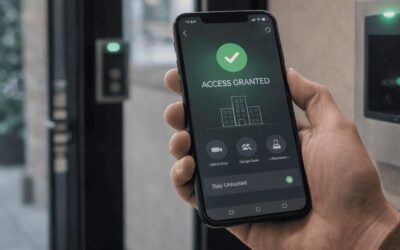
With myCondo, the managing agent can create contractor passes linked to the unit and permit dates, and the pass works only during approved hours. Workers present a QR code at the guardhouse or at a smart door station. When the permit ends, access ends automatically, so there is nothing to collect.
Contractors rarely need access to the whole estate. A good setup limits them to what the job requires:
Smart door stations make this practical. For example, the Akuvox X915S door station supports QR codes, PIN, Bluetooth, RFID cards and face recognition with anti-spoofing, so each door can accept or reject a contractor’s credential based on rules set in the access control system. It is rated IP66 and IK10, so it can be installed at service gates and loading bays exposed to weather and heavy use. myCondo integrates with door stations like this, so a contractor pass that works at the service gate does not open the lobby door.
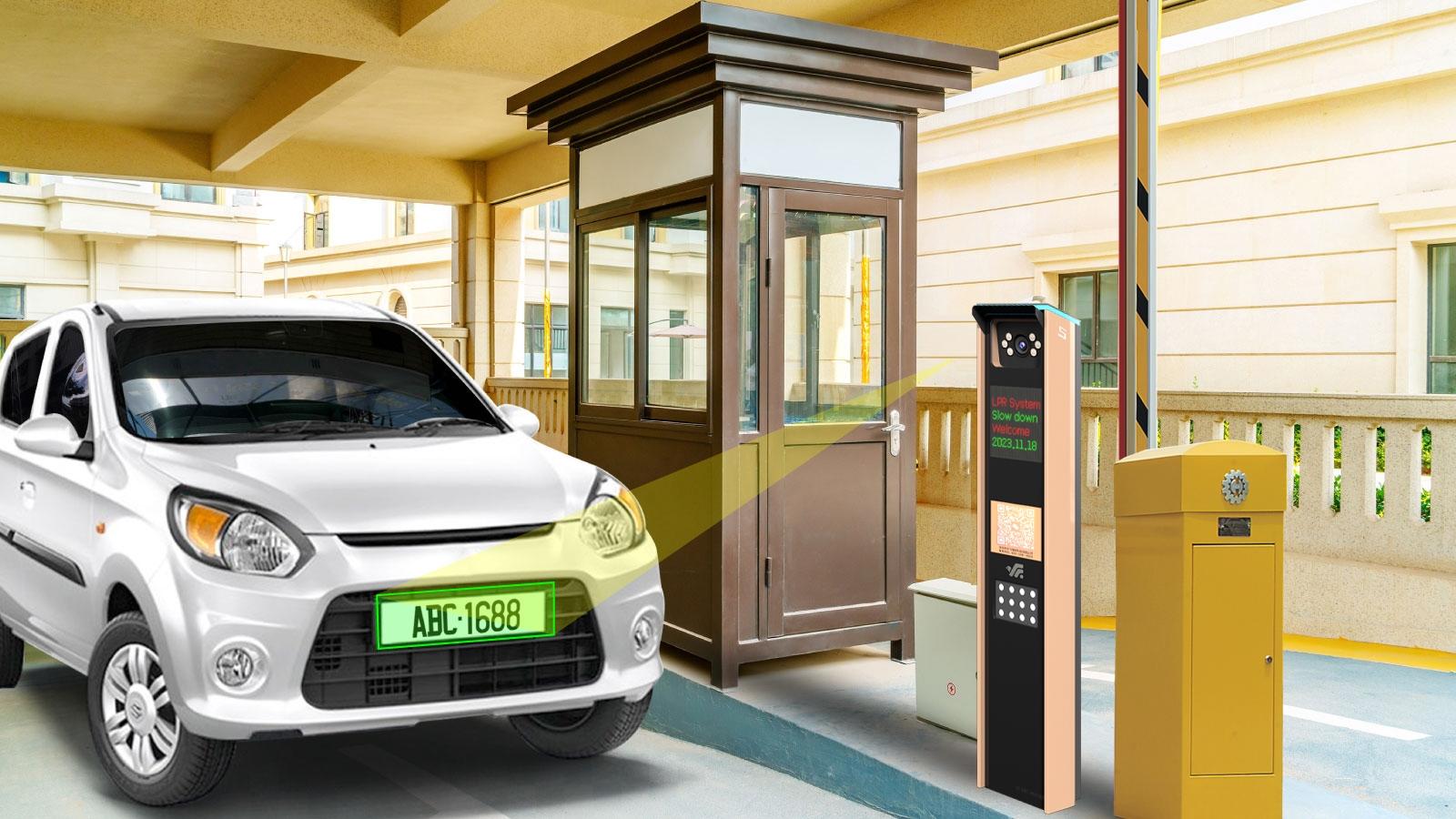
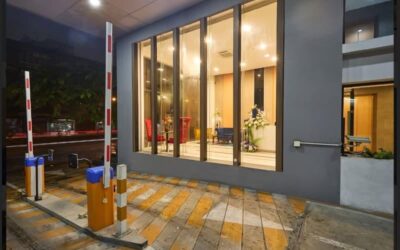
Renovation and moving often involve vans and lorries. Without control, they block driveways, take residents’ lots or stay long after unloading. Licence plate recognition (LPR) helps the guardhouse manage this without stopping every vehicle.
myCondo works with LPR cameras from partners such as Dahua Technology and Hikvision. The Dahua ITC413-PW4D access ANPR camera, for example, has 4MP resolution, built-in relay outputs to control a barrier, and allowlist and blocklist capacity of up to 110,000 entries each. Hikvision’s DeepinView ANPR cameras add vehicle type and colour detection, which helps guards confirm that the right lorry has arrived.
When a resident reports damage to a lift or a missing item, the managing agent needs to answer three questions quickly: who was on site, where did they go, and what does the footage show?
A digital system answers the first two in seconds. Every contractor entry is logged with the worker, company, unit, door and time. The third question depends on your CCTV. myCondo works alongside video platforms such as Milestone XProtect, an open-platform video management software that supports more than 16,500 devices, and Hikvision recorders already installed in many condos. Because each access event has an exact time stamp, finding the right footage takes minutes instead of hours.
This trail also protects contractors and owners. When a deposit is disputed, a clear record of who did what, and when, settles the issue fairly.
The end of a renovation is when most access leaks happen. Build a short close-out routine:
With digital passes, step 3 is automatic. The managing agent simply confirms there are no active passes left on the unit.
Not every contractor comes with a renovation permit. Aircon servicing, plumbing repairs and pest control are often booked by residents for a single visit. Treat these like social visitors with a few extra details:
For estate-level contractors, such as the cleaning company, landscaping or lift maintenance, the managing agent can maintain longer-term passes that are reviewed when the contract is renewed.
Contractor access checklist
| Stage | Check |
|---|---|
| Before works | Permit approved with unit, company, dates, hours, vehicles and deposit |
| Before works | Passes issued per worker, limited to service entrances and the right block |
| During works | Entries only within permitted hours; overstays flagged |
| During works | Lift protection in place; materials through the loading bay only |
| After works | Common areas inspected; passes expired; log reviewed |
| After works | Deposit refunded or deductions documented with evidence |
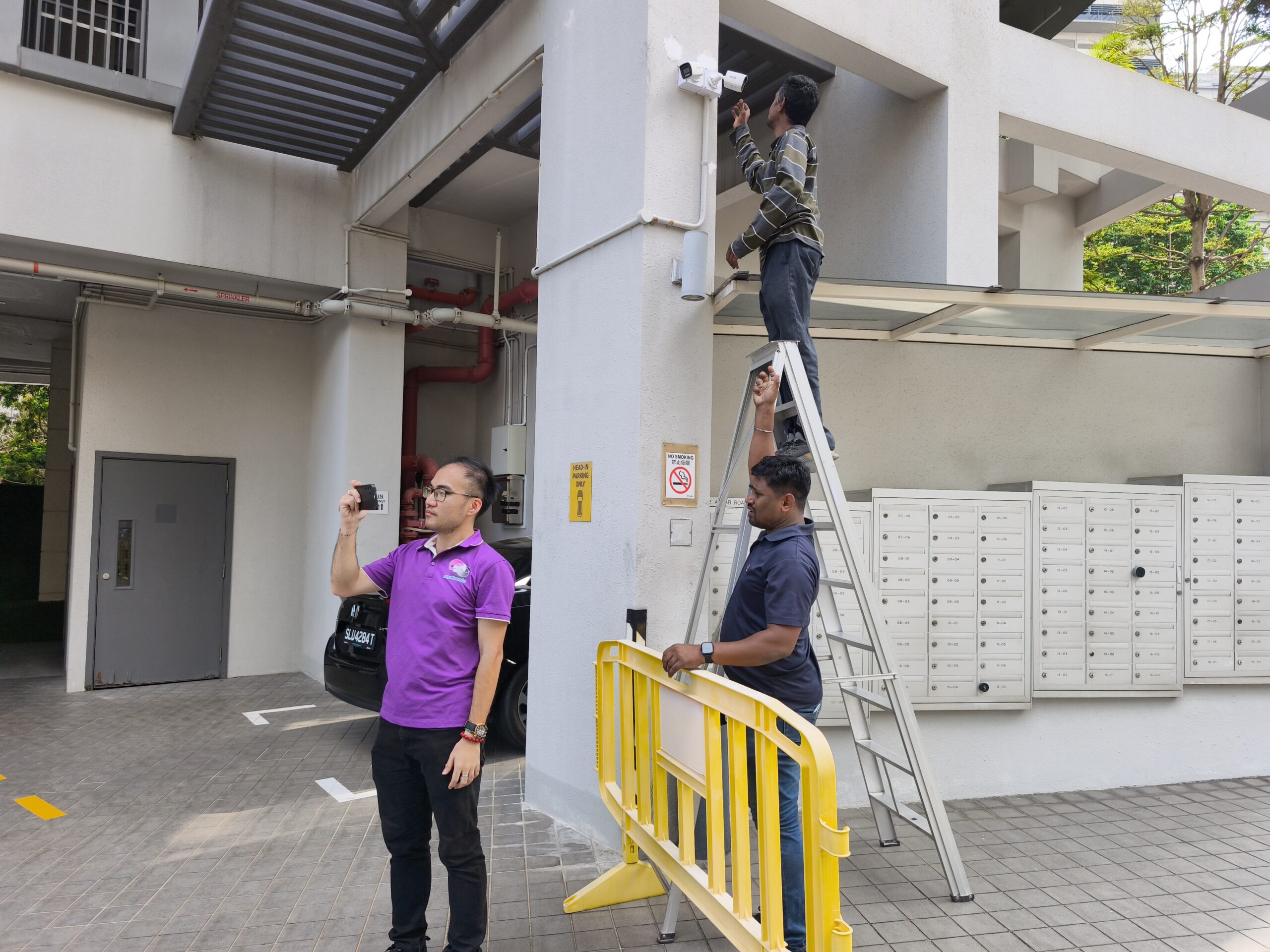
myCondo gives managing agents a web app to manage permits and passes, gives security officers a guardhouse view of who is expected today, and gives residents a mobile app to register their own servicing appointments. It connects to the hardware your estate already uses, including door stations, barrier gates, LPR cameras and CCTV from partners such as Dahua Technology, Hikvision, Akuvox and Milestone.
Yes. Renovation hours are usually set in the estate’s by-laws and the renovation permit. A digital pass system can enforce these hours automatically.
It is better to avoid long-term cards. Time-limited digital passes linked to the permit are easier to control and expire on their own.
For routine access, recording full NRIC numbers is generally not allowed under PDPC guidelines. Guards can check photo ID visually and record name, company and contact number instead.
The managing agent can approve an exception and extend the pass for that day only. The extension is logged, so there is a record of who approved it.
In many cases, yes. Our engineers survey your site first to check what can be integrated before recommending any new hardware.
If contractor access is causing complaints or disputes at your estate, our team can review your current process and equipment and suggest practical improvements, with no obligation.
WhatsApp or call: +65 8812 3888
Email: [email protected]
Address: 8 Ubi Road 2, #07-13 Zervex, Singapore 408538
Related reading: 7 Signs Your Condo’s Visitor Registration Process Is a Security Risk
YOU MIGHT ALSO LIKE
What does it take to switch a condo to mobile app door access? Less hardware than most councils expect, and more preparation of resident data than most managing agents expect. The readers at gates and lift lobbies must support Bluetooth, NFC or QR, but the bigger job...
When should a condo replace its intercom? When repairs become frequent, spare parts are hard to find, and residents complain that visitors cannot reach them. Many Singapore condos built in the 1990s and 2000s still run analogue or early digital intercoms wired to...
Can Singapore condos use face recognition at the gate? Yes, provided the MCST handles it responsibly. Face data is personal data under the Personal Data Protection Act (PDPA), and biometric data deserves extra care because a person cannot change their face the way...
NEVER MISS OUR ARTICLES
Get our stories delivered from us to you.