Mobile App Door Access for Condos: A Setup Checklist for Managing Agents
11
October
2026
MERCHANT
Promote your best aircon services on our platform where residents can avail through myCondo.
RESIDENT
Experience better condominium living and facilitate transactions for all your condo-related needs, including buying and selling products and services.
CONDO MANAGEMENT
Condo Managers get intuitive online-based system with exciting new features in administering units.

SHARE
What does it take to switch a condo to mobile app door access? Less hardware than most councils expect, and more preparation of resident data than most managing agents expect. The readers at gates and lift lobbies must support Bluetooth, NFC or QR, but the bigger job is getting an accurate list of who lives in each unit, onboarding residents to the app, and training guards for the first few weeks. This checklist walks managing agents through each step.
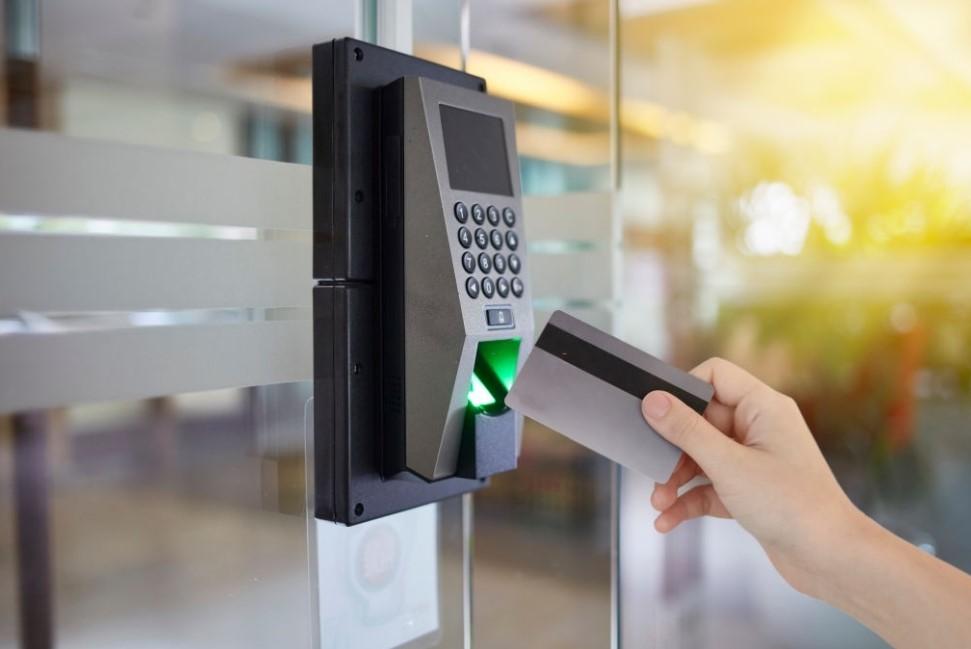
With mobile door access, a resident’s phone becomes their credential. Depending on the reader, the resident opens a door by:
Visitors receive time-limited QR passes from residents. Access rights are managed centrally, so a lost phone or a departing tenant is handled with a few clicks instead of collecting a physical card.
Planning checklist
| Task | Why it matters | Owner |
|---|---|---|
| Council approval of scope and policy | Avoids changes mid-project | Managing agent, council |
| List every controlled door | Gates, lobbies, lifts, facilities, car park doors, bin centres | Managing agent, integrator |
| Site survey of readers and controllers | Decide which devices to keep or replace | Integrator |
| Decide access groups | Residents of Block A shouldn’t open Block B lobby | Managing agent |
| Decide fallback credentials | Residents without smartphones, phone battery dead | Council |
| Write PDPA notice and retention policy | App collects personal data and access logs | DPO |
This is the step most often underestimated. Mobile access is only as good as the resident list behind it.
Many existing card readers cannot read phones. Common approaches:
Onboarding checklist
| Step | Tip |
|---|---|
| Announce the change with a clear date | Circular, lift notices and email, at least a few weeks ahead |
| Send personal invitations | Each resident gets an SMS or email invite linked to their unit |
| Run help sessions | Clubhouse sessions on weekday evenings and weekends |
| Track sign-ups by unit | Follow up units with no active users |
| Let main occupants add household members | Saves management time; set a sensible cap per unit |
| Explain visitor passes | Show residents how to send QR passes to guests and helpers |
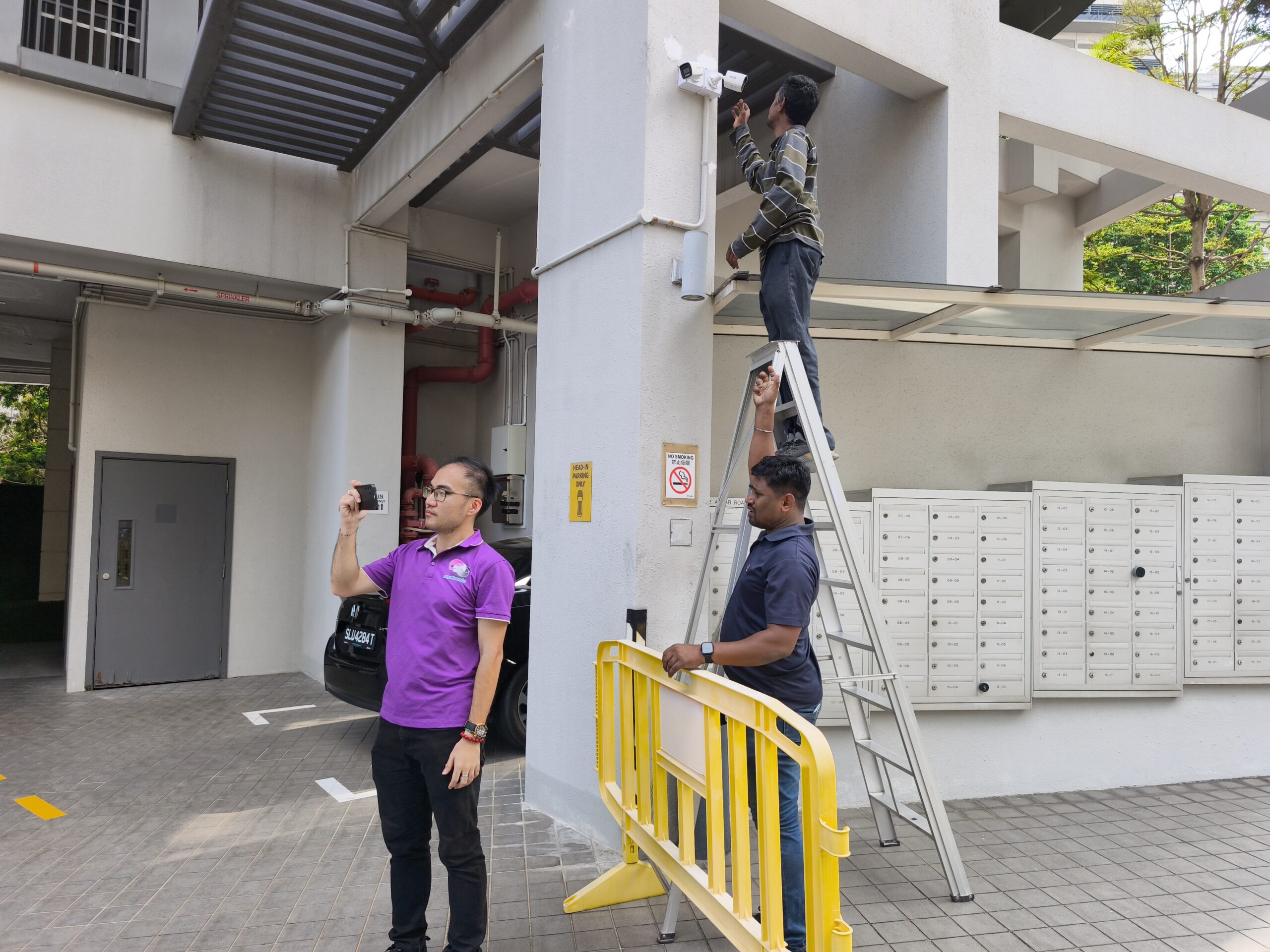
myCondo handles mobile door access projects from survey to after-sales support. We install multi-credential terminals from Akuvox, LPR from Dahua Technology and Hikvision, and integrate CCTV through Milestone, all connected to the myCondo mobile and web app. We help managing agents clean up resident data, run onboarding sessions and train guards.
Keep a fallback credential such as a card, PIN or face access, or let the guard verify the resident on the console and open the door.
For Bluetooth access, usually not at the moment of entry, because the credential is stored on the phone. Remote open from the app needs a connection.
Often yes, as a fallback, if the new readers support your card type. Multi-credential terminals read many common card formats.
It depends on the number of doors, hardware changes and how clean the resident data is. A survey gives a realistic plan.
Generally yes, because credentials are tied to a person, can be revoked instantly and are harder to copy or lend. Security still depends on good administration.
Planning to move your estate to mobile access? We can survey your doors and help you plan the rollout.
WhatsApp or call: +65 8812 3888
Email: [email protected]
Visit: 8 Ubi Road 2, #07-13 Zervex, Singapore 408538
YOU MIGHT ALSO LIKE

When should a condo replace its intercom? When repairs become frequent, spare parts are hard to find, and residents complain that visitors cannot reach them. Many Singapore condos built in the 1990s and 2000s still run analogue or early digital intercoms wired to...
Can Singapore condos use face recognition at the gate? Yes, provided the MCST handles it responsibly. Face data is personal data under the Personal Data Protection Act (PDPA), and biometric data deserves extra care because a person cannot change their face the way...
Why integrate visitor management with CCTV? Because most condo investigations start with a question like "who came into Block 3 between 2pm and 4pm on Saturday?" If the visitor log and the CCTV recorder are separate, a guard has to read the log, note times, then scrub...
NEVER MISS OUR ARTICLES
Get our stories delivered from us to you.